Mobile phones & accessories
POS and accounting for mobile phone and accessory shops
Direct ERP is point-of-sale and accounting software for mobile phone, accessory and small electronics shops in Saudi Arabia: a phone with its variants (colour and storage), each with its own barcode and stock; chargers and cases by barcode; fast selling with the scanner and the keyboard; returns by scanning the receipt's QR code; and standard invoices for companies cleared before they are shared. Each person works in Arabic or English, and the Windows or Android till sells even when the internet drops.
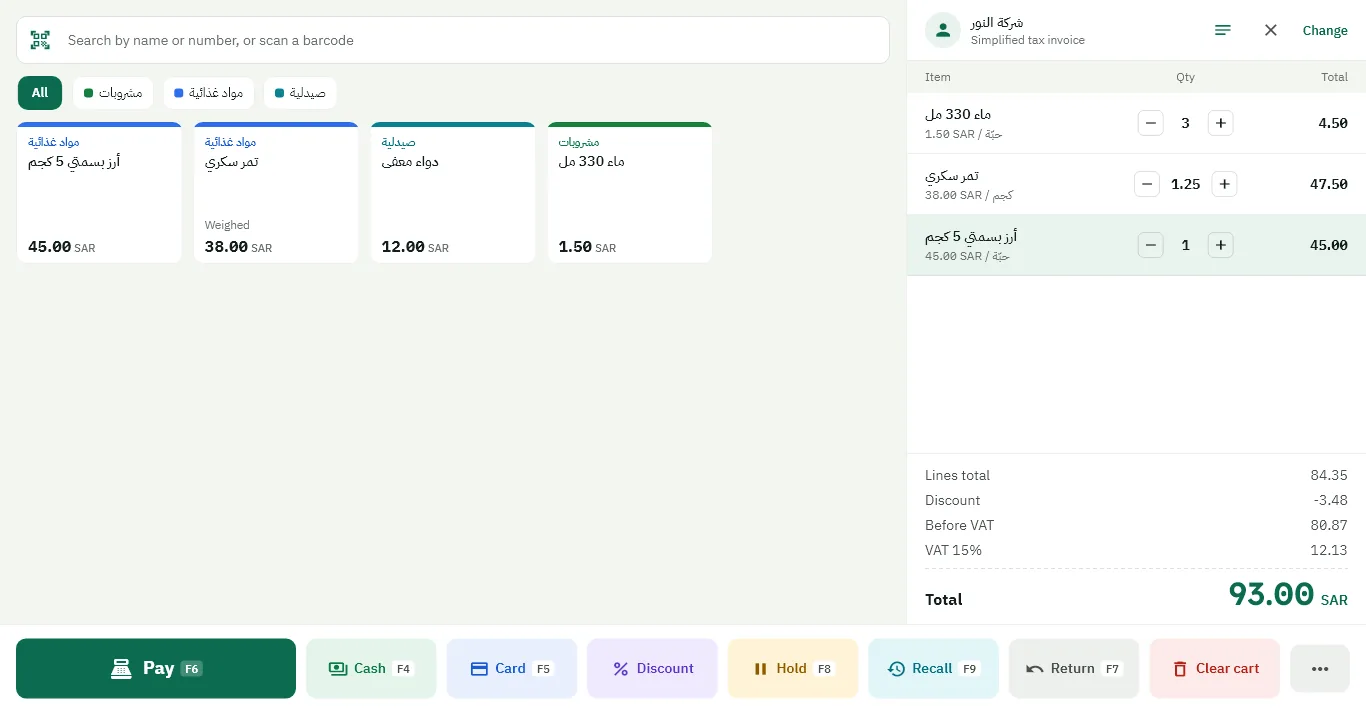
At the till
Phone variants
An item with its axes (colour and storage, say) and a variant per combination with its own code, barcode and stock in each branch.
Keyboard selling
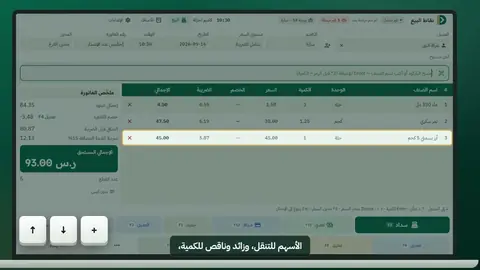
An invoice driven by the scanner and F-keys: quantity, discount, customer, note and payment without touching the mouse.
Payments
Cash with change, card with the terminal's approval code, split payments, and credit for a customer within a limit. Direct terminal link Coming soon.
Returns
By scanning the receipt's QR code, with lines from the original invoice and a reason, refunded the same way or as store credit.
Approved discounts
A discount above the percentage you set for the cashier asks for a manager's PIN, and the approver is recorded on the document.
For companies
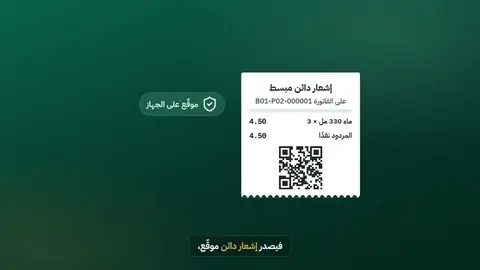
A standard tax invoice with the company's name, VAT number and address, sent for clearance before it is shared.
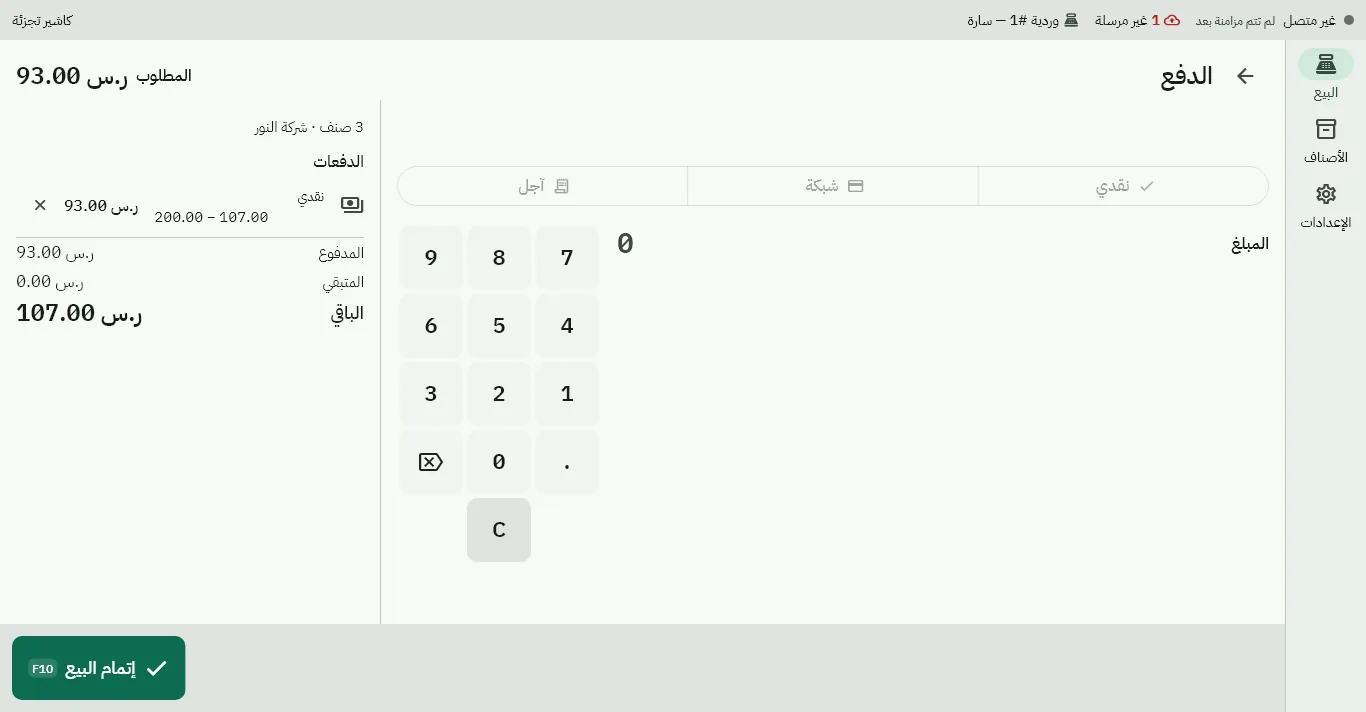
Clear payments, a drawer that matches
The payment screen with quick amounts and change to the halala, a required card approval code, and at the end of the shift a blind drawer count with a Z report of expected, counted and the difference.
- Hold an invoice and recall it to serve another customer
- Receipt reprints marked "copy"
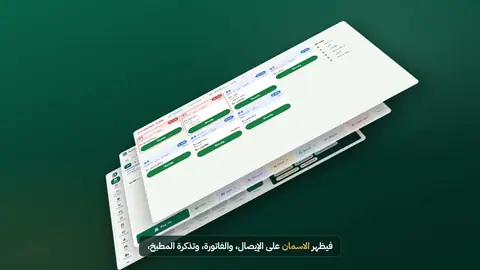
- Each document's state: uploaded or waiting, accepted by ZATCA or not
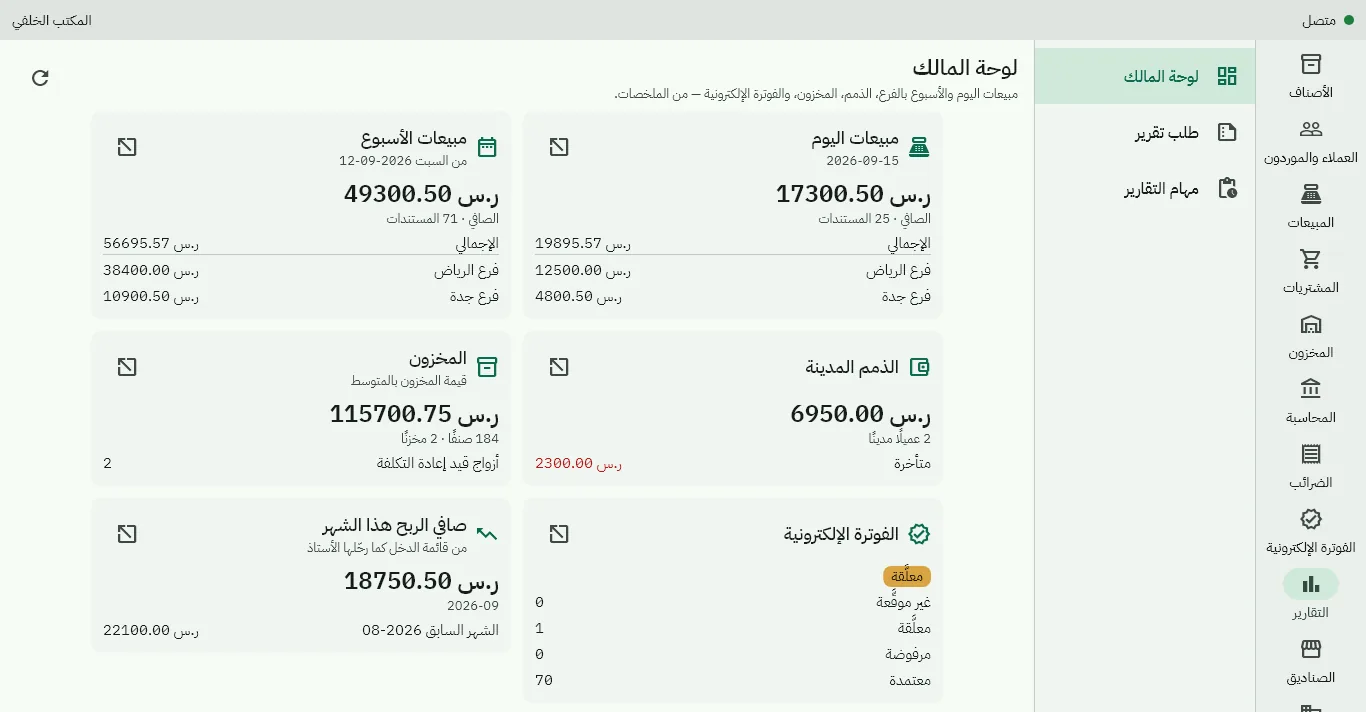
The shop's numbers at a glance
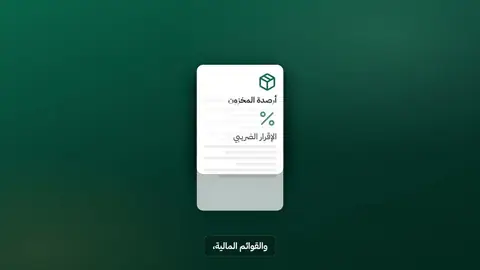
The home page shows the period's sales against the previous one, the average invoice, the best sellers and the e-invoicing status; reports by item, category, cashier and branch, and the stock value.
What it does not do today
- It does not record a serial number (IMEI) for each phone sold, and has no repair or warranty module. If IMEI tracking is a must for you, ask about it plainly before choosing any product.
- A direct link to the payment terminal, and buy-now-pay-later through Tabby and Tamara: Coming soon.
- No iPhone or iPad app.
On video
Frequently asked questions
Does it suit a small mobile shop?
Yes, for a shop selling phones and accessories by barcode that wants stock, accounting and e-invoicing in one product. If you need IMEI tracking per phone or a repair module, those are not in it today.
How do I tell a phone's colours and storage apart in stock?
With variants: each colour and storage combination has its own code, barcode and stock in each branch.
Does it issue tax invoices to companies?
Yes, a standard invoice with the company's name, VAT number and address, cleared before sharing in phase 2.
My staff do not read Arabic. Can they sell?
Yes, each person chooses an Arabic or English interface, and each item can carry names in both.
Try scanner selling on your own items
Send us your list of phones and accessories, and we show you the till and the stock with them.