Saudi point of sale and accounting — Arabic first
A till that sells offline and signs the e-invoice on the device
Direct ERP (دايركت إي ار بي) brings a till app for Windows and Android, a back office in the browser, and accounting, inventory, purchasing and the VAT return into one product — for shops, supermarkets, restaurants and cafés, from one branch to many.
What sets it apart
Solutions
Every module works with the others from day one: what the till sells reaches inventory, the ledger, the VAT return and the reports with no second entry.
Point of sale
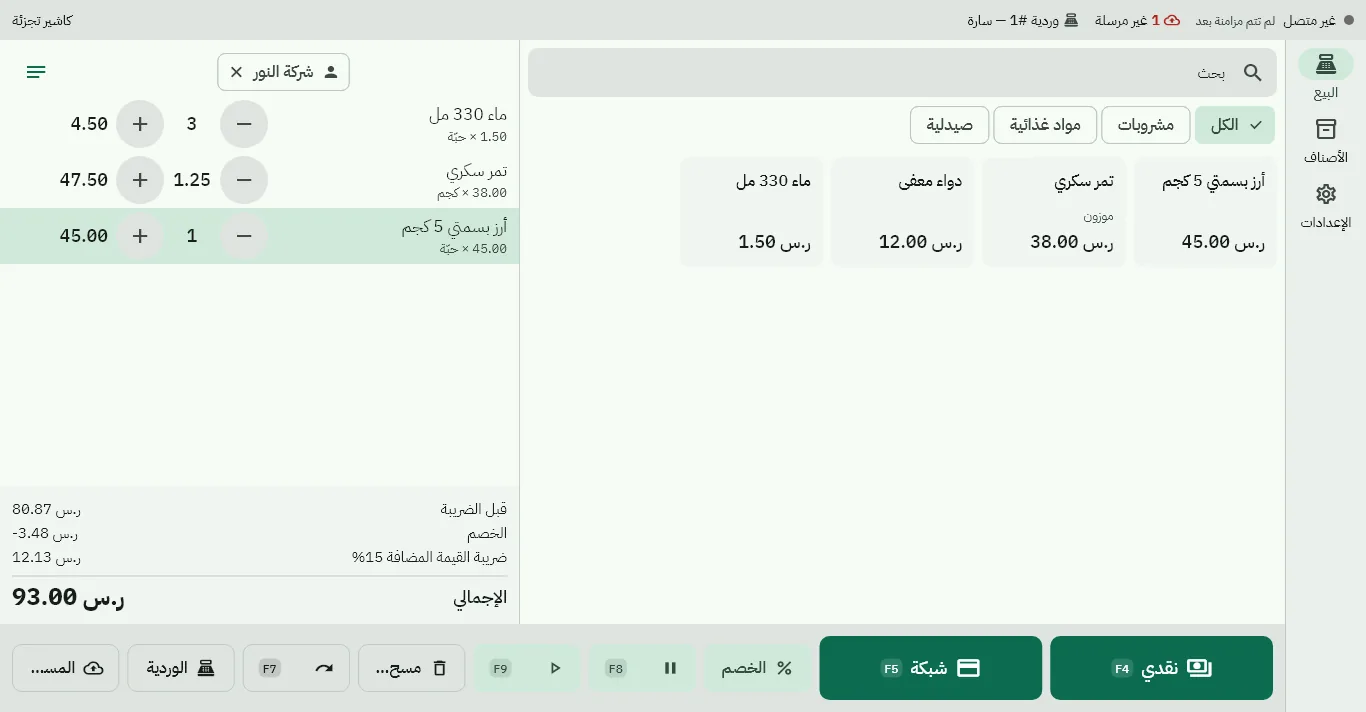
Fast barcode and scale selling, split payments, returns by scanning the receipt, shifts with X and Z reports — even offline.
Point of sale →Restaurants & cafés
Table plan, waiter on a phone, kitchen display, delivery, split bills and calories on the menu.
Restaurant system →Retail & supermarkets
Barcodes and scale labels, shelf labels at the VAT-inclusive price, promotions and branch price lists.
Retail →ZATCA e-invoicing
Not registered, registered or integrated: every invoice under its tax profile, simplified invoices signed on the device.
E-invoicing →Accounting & VAT
Saudi chart of accounts, vouchers and bank reconciliation, fixed assets, financial statements and the VAT return.
Accounting →Inventory & purchasing
Weighted average cost per warehouse, counts and transfers, purchase orders with approval, suggestions and landed cost.
Inventory →Back office & reports
Owner dashboard, reports, branches, staff and permissions, and migration from your old system — from any browser.
Back office →Security & privacy
Every business isolated, support reads your data only with your consent, two-factor sign-in and passkeys.
Security →A till that keeps going
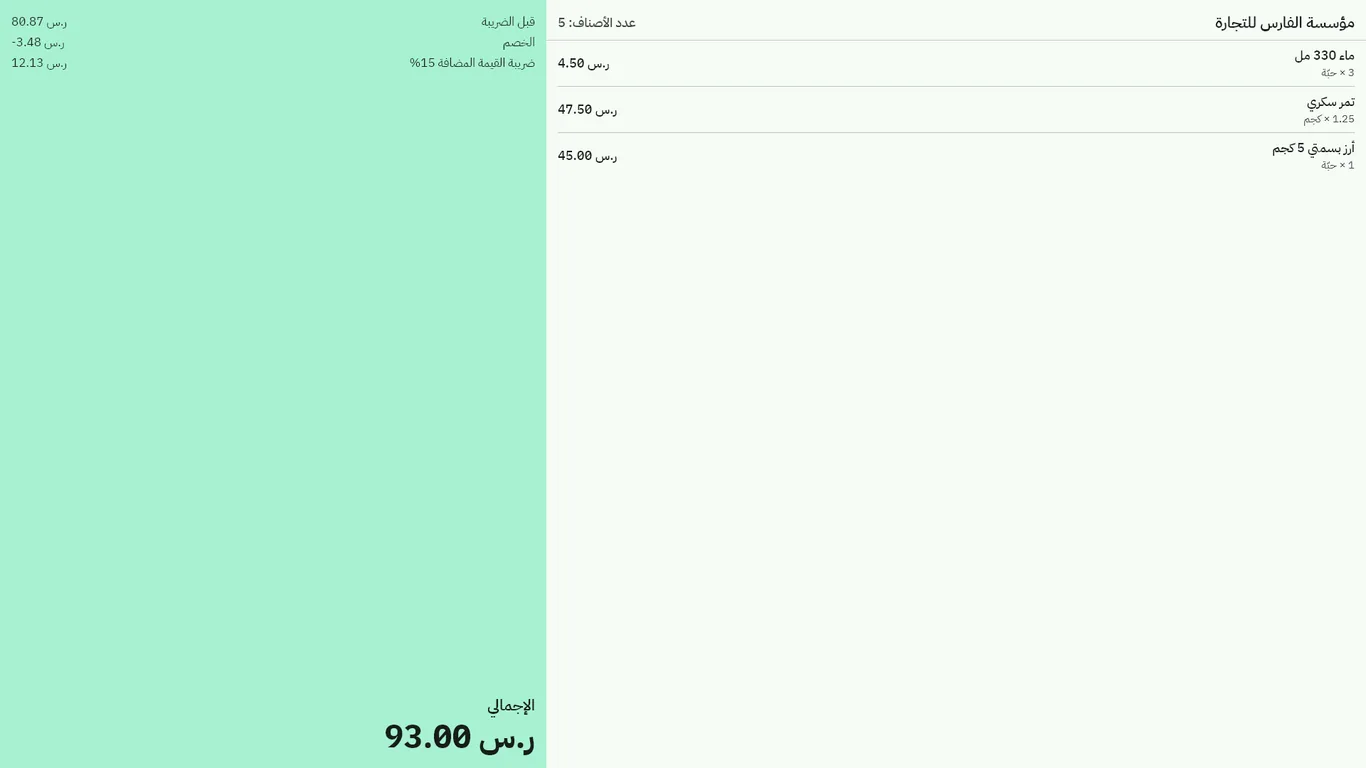
The till carries what it needs to sell on its own: items, prices, promotions, customers and staff permissions. When the internet drops, selling, printing and signing go on; when it returns, everything is uploaded in order.
- Staff sign in with a PIN on the till, offline
- Arabic thermal receipt printers, barcode scanners and a customer display
- A warning when the outage runs long, and a list of what is not uploaded yet
From the table to the kitchen to the invoice
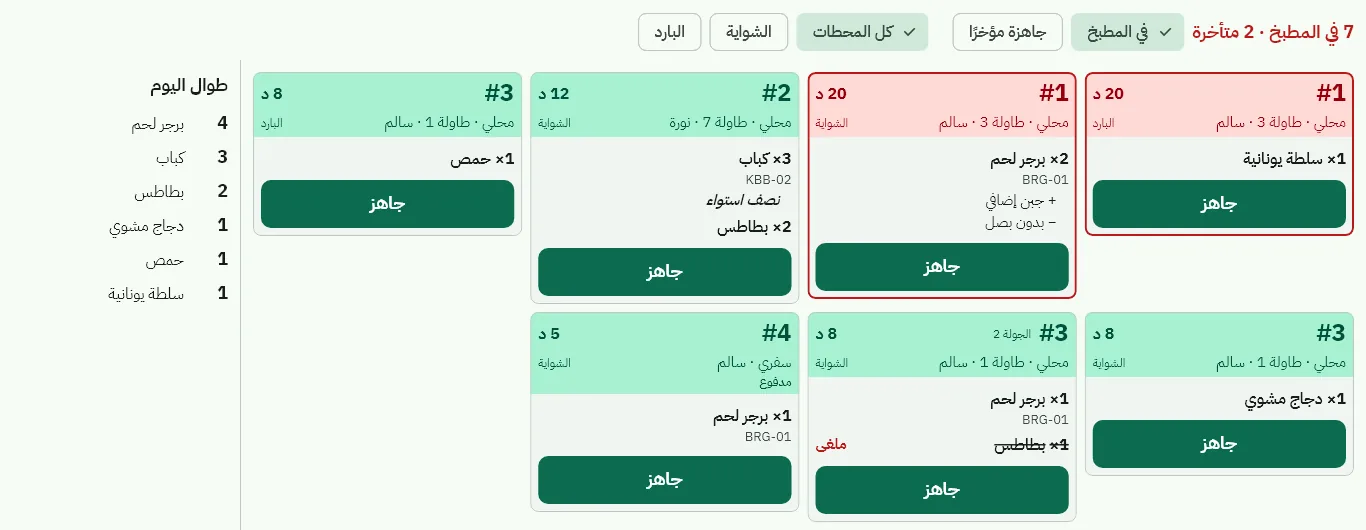
In a restaurant the cashier's till is the branch hub: it decides open orders over the restaurant's own network, so waiters and the kitchen keep working with the internet down — and if the hub stops, the devices carry on and hand over what they took.
- Kitchen display with a ticket per station; «ready» reaches the waiter at once
- Split the bill equally, by item or by amount
- Calories, sodium, caffeine and allergens per item
An e-invoice for every tax profile
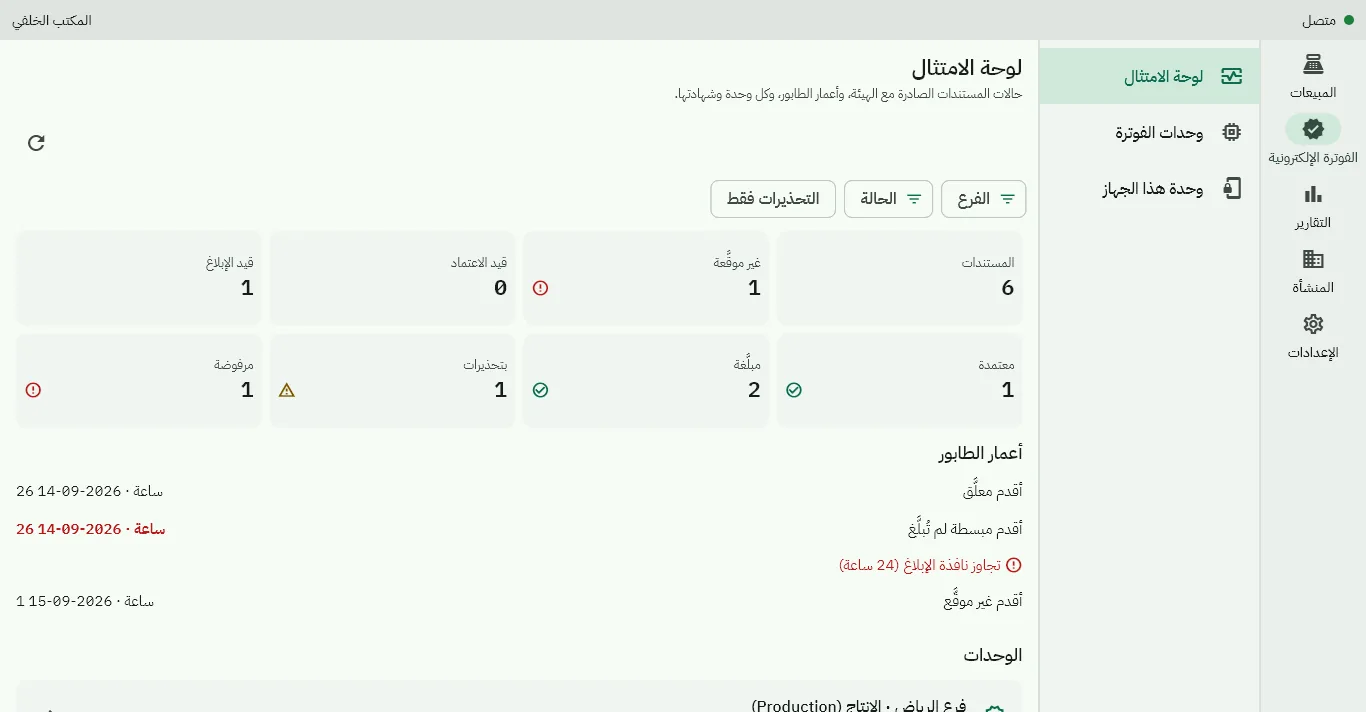
A business not registered for VAT sells without VAT; a registered one issues invoices with the phase 1 QR code; one integrated with ZATCA signs simplified invoices on the device and reports them, and clears standard invoices before sharing them.
- One invoice chain and signing key per device — the key never leaves it
- A compliance board with every document's state at ZATCA
- Corrections are credit notes, never edits to an issued invoice
Built for
Grocery & supermarkets
Barcodes, scale labels, shelf labels, timed promotions and stock per branch.
Retail shops
Fashion, electronics, hardware and pharmacies: multi-unit items, returns by receipt scan, customers with credit limits.
Restaurants & cafés
Dining room and tables, waiter phones, kitchen display, recipes with their cost.
Takeaway & delivery
Delivery zones with fees and minimums; drivers' cash settled at the drawer.
Multi-branch businesses
Branch price lists, transfers between warehouses, branch-scoped permissions and branch reports.
Accountants
A ledger to the halala, financial statements and a VAT return from the same entries, and a read-only external accountant role.
Ready for ZATCA
Built on ZATCA's published e-invoicing specifications for phase 1 and phase 2, with its documents checked in our tests by ZATCA's official validation tool. Your business moves between «not registered», «registered» and «integrated» on a date you choose, and each document is issued under the profile of its day.
How we handle e-invoicingGet started
We agree the plan and the price with you (a monthly or yearly subscription), set up your business and send the owner's invitation, and help you move your items, customers and balances from your current system.