Back office & reports
Run your business from any browser
The back office runs in the browser and on Windows, in Arabic: items and prices, sales and purchasing, accounting and VAT, branches, staff and devices, and reports — and each role sees only what is theirs.
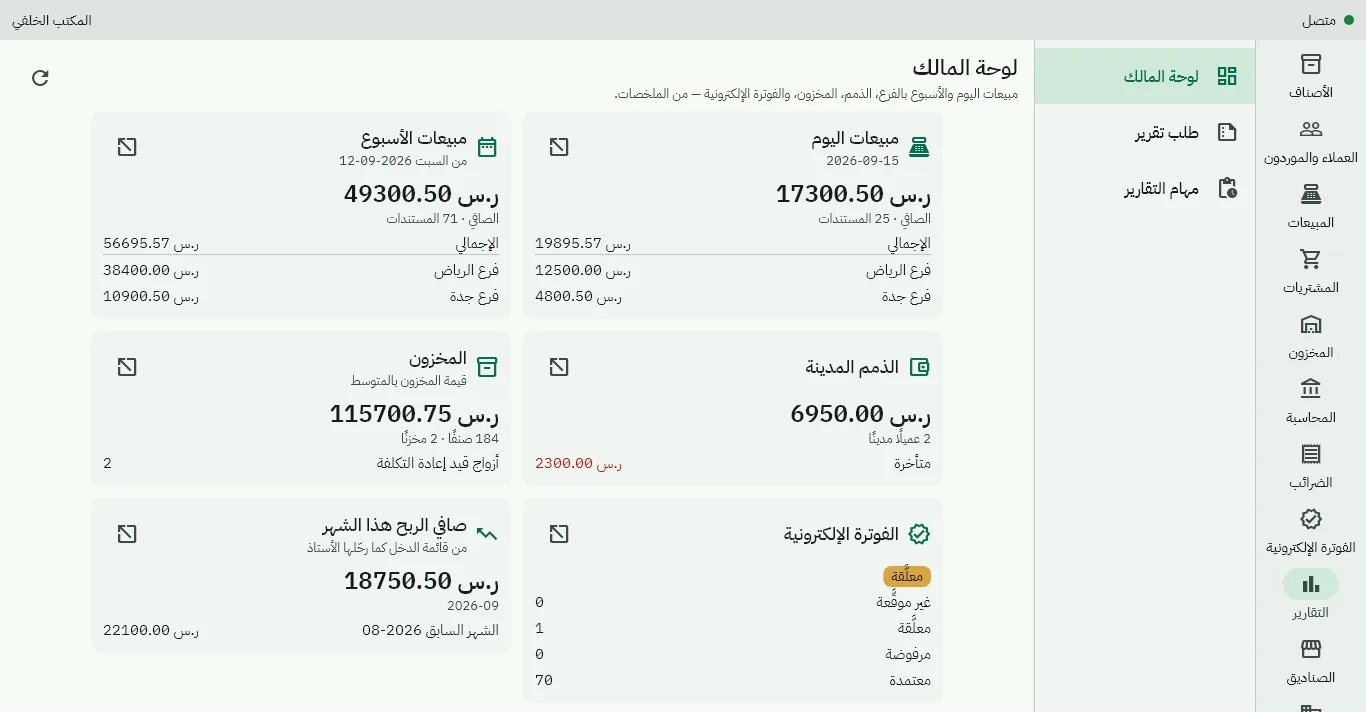
Reports
Sales
By item, category, branch, customer, cashier and period, and the top sellers.
Inventory and purchasing
Balances, stock value, item movement and items below their reorder level; purchases by supplier and item.
Money and tax
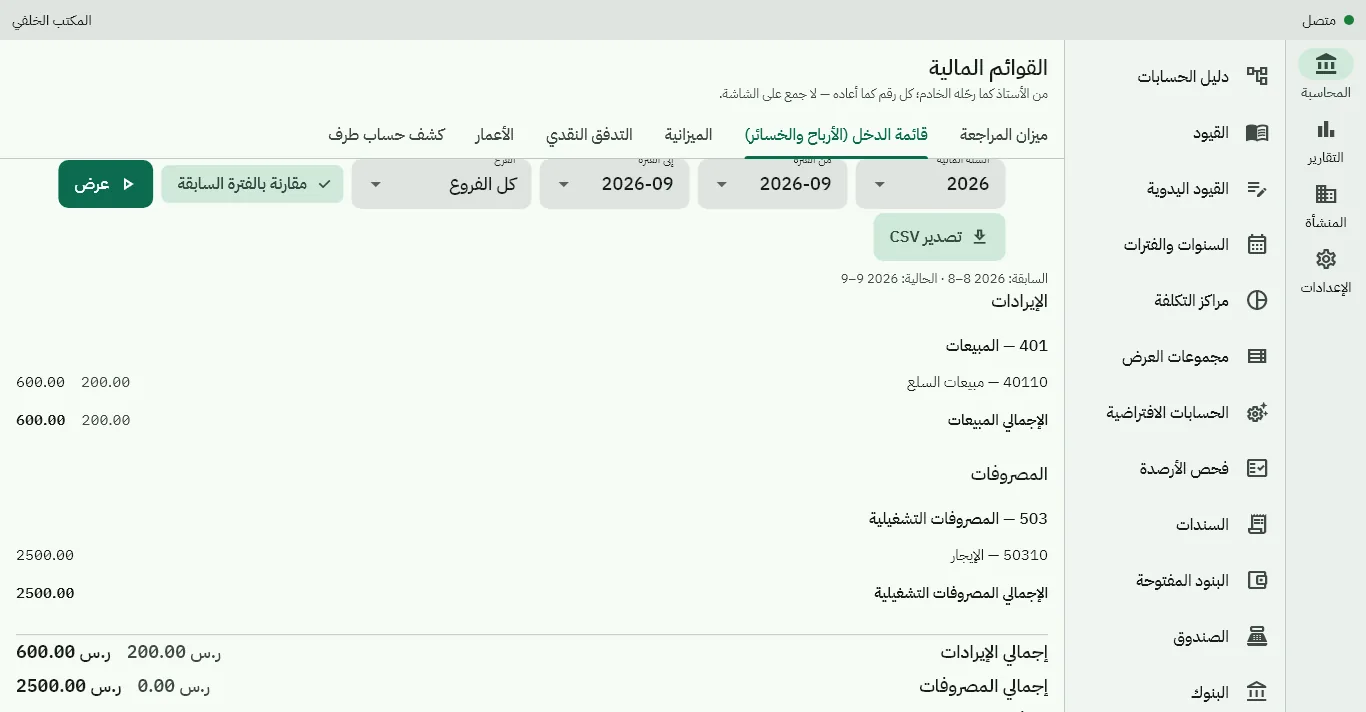
Receivables and payables ageing, VAT by period, a zakat-base estimate, and the financial statements.
Tills and restaurant
Shifts, X and Z reports and till documents; orders, kitchen time, voids and comps.
Every report shows on screen or comes as a PDF whose link reaches you when it is ready.
The business and the team
Branches and warehouses
A branch with its national address and the seller details for the invoice, and warehouses per branch.
Staff and roles
Eight ready roles (owner, finance manager, branch manager, cashier, waiter, kitchen, driver, read-only external accountant) or roles you build, scoped to the business or a branch, with discount and refund limits.
Devices
Activate each till with a code or QR, revoke a lost device, and see each device's last sync.
Owner alerts
By email: negative stock, credit limits exceeded, late ZATCA reporting and more.
Stuck transactions
One screen for what needs a person's decision: items or customers created on an offline till, and documents flagged for review.
Support tickets
A ticket from inside the back office that our support team answers, with an alert when they reply.
Migration and integration
Move your items, customers, suppliers and opening balances from your old system with Excel/CSV files: a full preview before anything is applied, column mapping, and a report that matches your opening trial balance to the source.
- A public API with API keys scoped to permissions
- Signed webhooks when an invoice is issued or paid
- Sharing receipts on WhatsApp Coming soon
Already a customer?
Sign in to your business's back office with your owner or staff account.
Customer sign-in