Grocery & supermarket
POS and accounting for grocery stores and supermarkets
Direct ERP is point-of-sale and accounting software for grocery stores, mini-markets and supermarkets in Saudi Arabia: a till on Windows or Android that sells by barcode and scale label, prints the e-invoice and signs it even when the internet is down, and posts every sale to stock, the general ledger and the VAT return with no second entry. With it come VAT-inclusive shelf labels, batches and expiry dates, barcode stock counts and purchase suggestions.
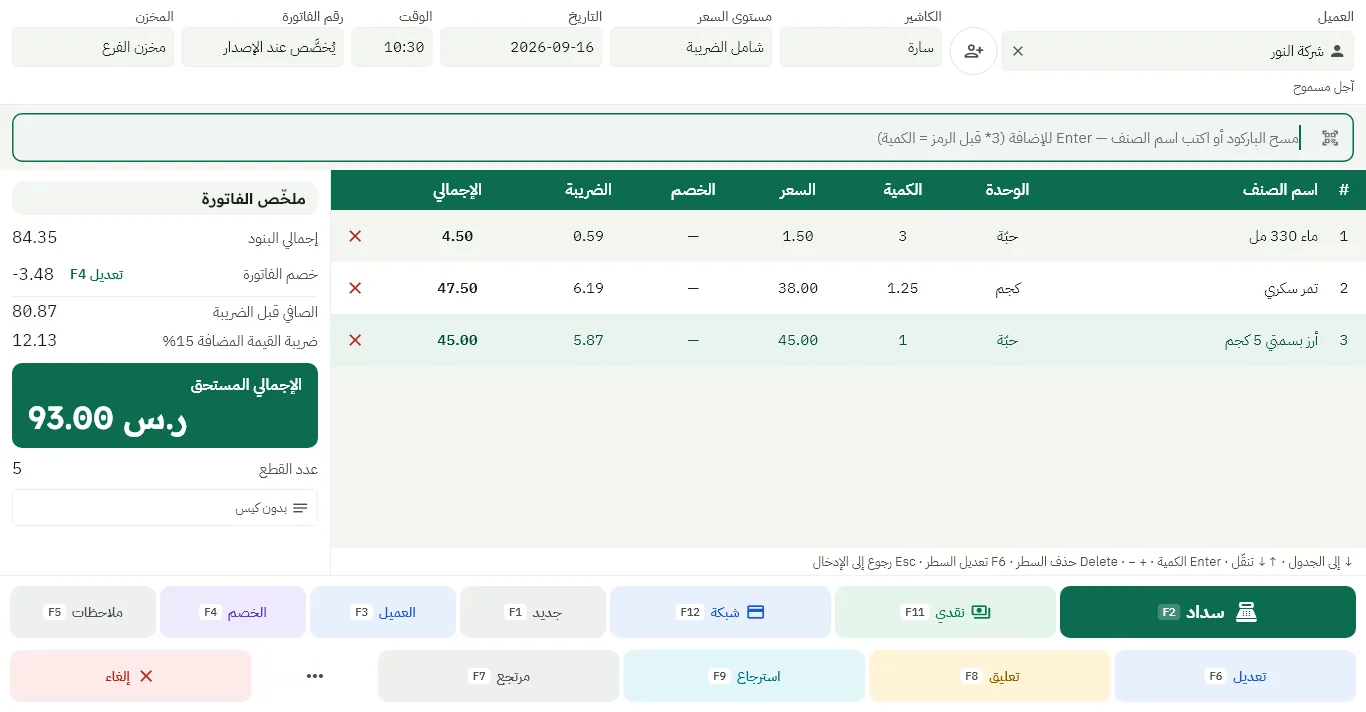
What a grocery store needs every day
Fast scanning
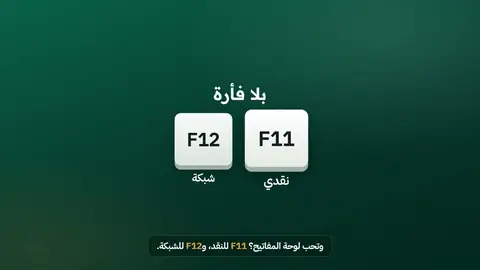
A touch grid of items and categories, or a keyboard invoice driven by the scanner and F-keys (F11 cash, F12 card), and held carts to serve the next customer.
Scales and weight
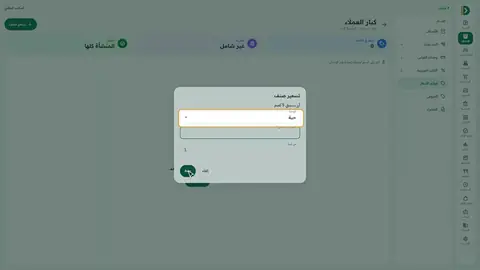
Scale labels are read by their prefix and the weight becomes a three-decimal quantity, priced from the branch price list.
Units
An item in its base unit and other units with a conversion factor (piece, box, carton), each with its own barcode; stock is kept in the base unit.
When the internet drops
The till sells, prints and signs simplified invoices on the device, and uploads each document once, in order, when the connection returns.
Returns
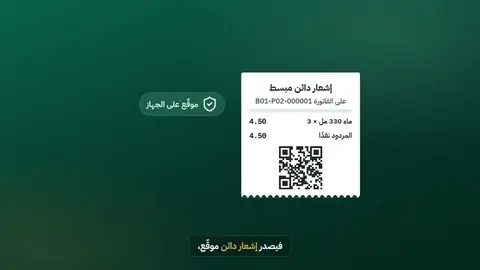
Scan the QR code on the receipt to open the original invoice and issue a credit note for what remains of it.
Payments
Cash with change, card with the terminal's approval code, credit for a registered customer within a limit, and split payments. Direct link to the payment terminal Coming soon.
The shelf label matches the till
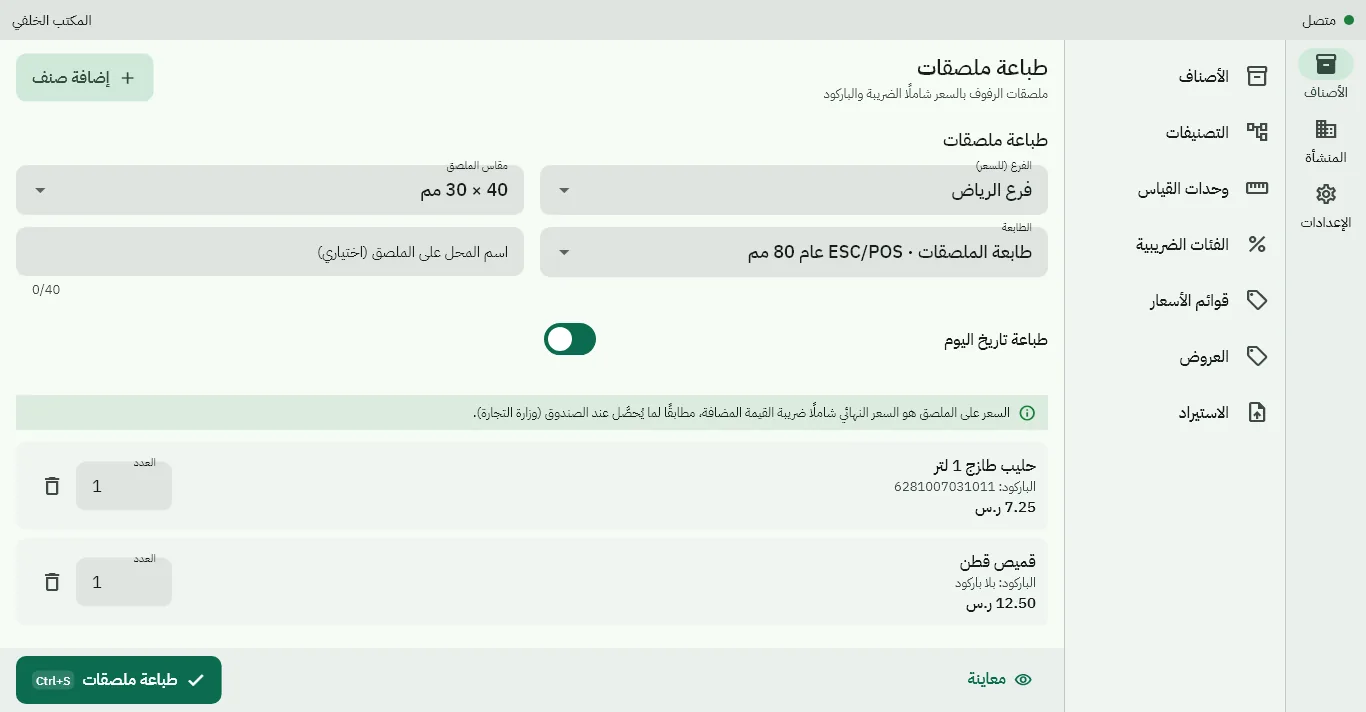
Print shelf labels from the item list or from a goods receipt: the VAT-inclusive price exactly as the till computes it, the running promotion with the price before it, and an EAN-13 or Code 128 barcode, on common label printers.
- 40×30, 50×30 and 58×40 mm labels
- Percentage, amount and buy-X-get-Y offers applied by the till itself
- A price list per branch, and bulk price changes with a preview
Expiry dates before they become losses
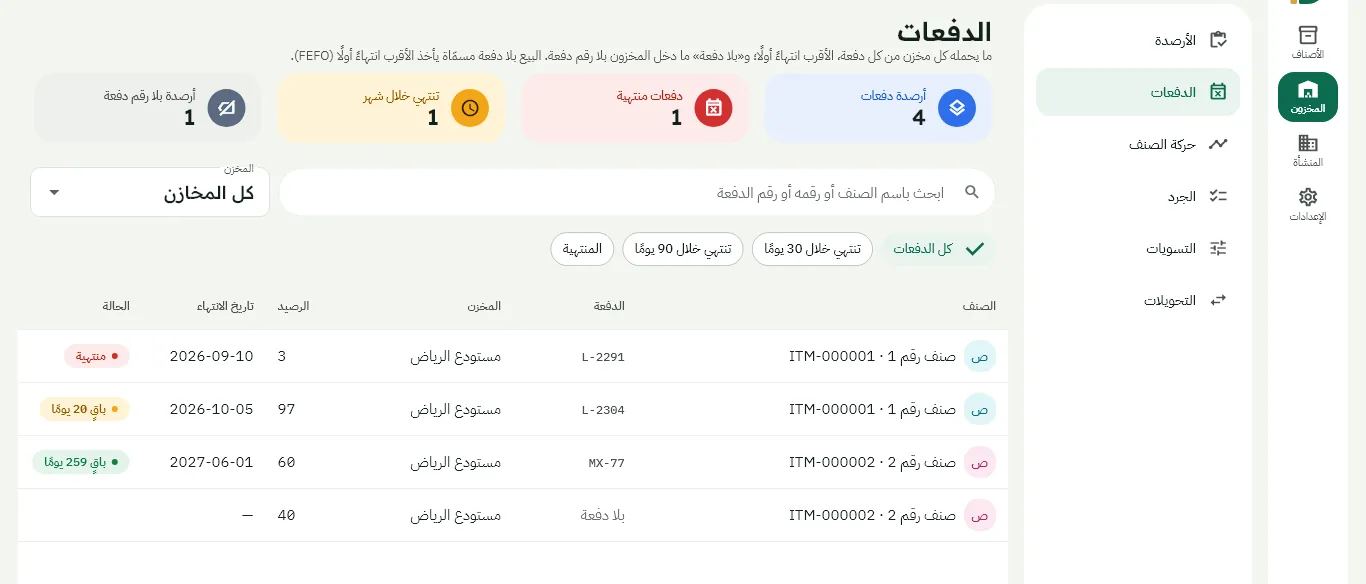
Record the batch number and expiry date on receipt; the till sells the nearest expiry first, and you see what expires within a month, and what has expired, in each warehouse.
- An alert to the owner for batches close to expiry
- Block or warn on selling an expired batch, one setting
- Damaged stock adjusted with a reason, posted to stock and the ledger
Barcode counts and purchasing by the numbers
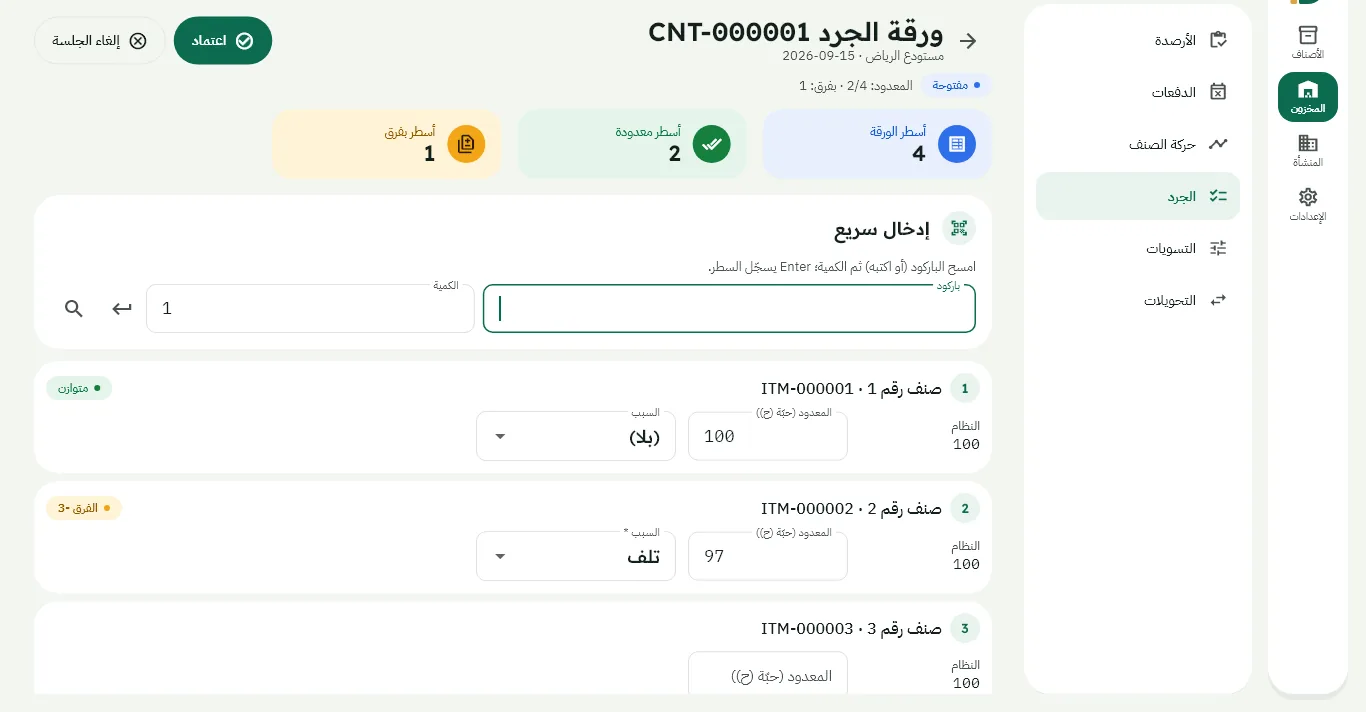
A count sheet where you scan and type the quantity; a difference needs a reason from a list and posts to stock and the ledger. Purchase suggestions compute what you are short of the reorder level, less what is ordered and not yet received.
The books from the sale itself
Accounting
Every invoice, return and receipt posts its entry to the halala, stock at weighted average per warehouse, and financial statements from the ledger.
Accounting →E-invoicing
Not registered, registered (phase 1) or integrated (phase 2): every invoice with the profile of its day.
E-invoicing →Shifts and the drawer
An X report any time, a blind-count close with a Z report, and the variance as counted beside the system's figure.
Migration
Your items, customers and opening balances from Excel files, with a preview before anything is applied.
Grocery on video

Frequently asked questions
What is the best POS for a grocery store in Saudi Arabia?
One that sells by barcode and scale without waiting, issues the e-invoice with your tax profile, keeps selling when the internet drops, and posts sales to stock and accounting by itself. Compare products on these four points before the price.
Does it read scale labels?
Yes. A scale label with the seven-digit prefix is read when scanned, the weight becomes a three-decimal quantity and the price comes from the branch price list.
Can I sell when the internet is down?
Yes. The till sells, prints and signs invoices on the device offline and uploads them when the connection returns. It must connect regularly so invoices reach ZATCA on time.
Does it track expiry dates?
Yes, by batch: its number, expiry date and balance per warehouse, nearest expiry sold first, and an alert for batches close to expiry.
Which devices does the till run on?
Windows and Android, including handheld POS terminals with a built-in printer and scanner. There is no iPad app.
Send us your item list
We show you the till with your own items and prices, and help you move them from your current system.