Shops with expiry dates
POS and accounting for shops that sell by expiry date
Direct ERP is point-of-sale and accounting software for shops selling goods with an expiry date — food, cosmetics and personal care, supplements — in Saudi Arabia: each tracked item is received with its batch and expiry date, each batch's balance is known per warehouse, the till suggests the nearest expiry first, and you are warned before goods expire on the shelf. Every sale reaches stock, accounting and the e-invoice.
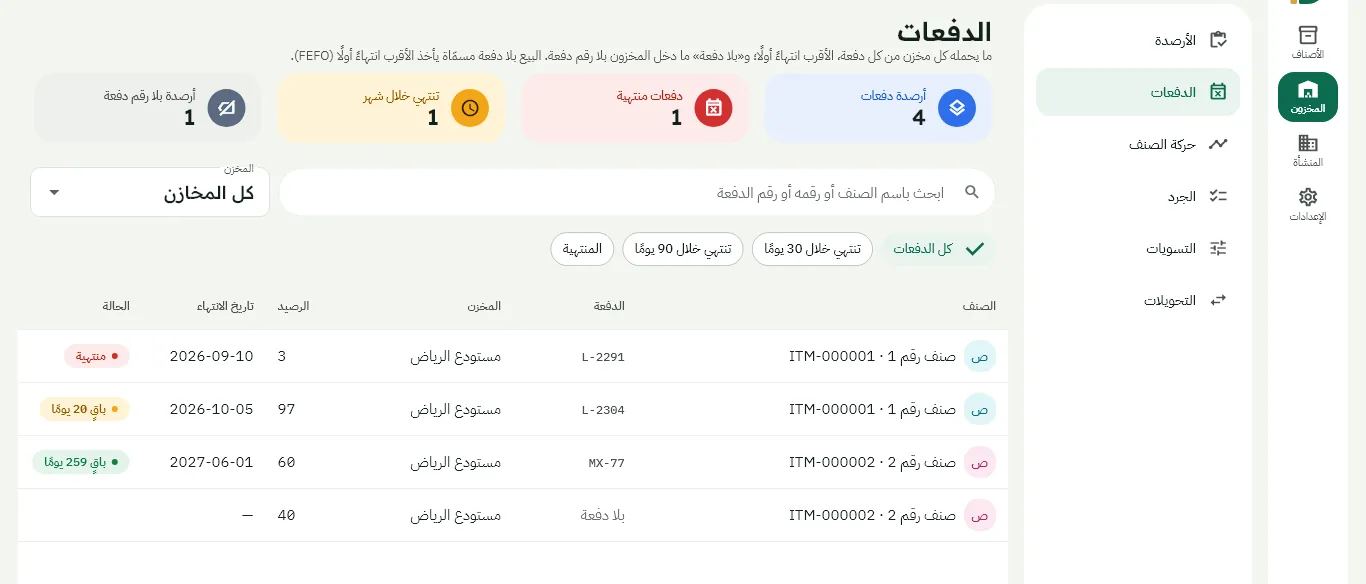
From receipt to sale
Receiving by batch
A tracked item cannot be received without its batches: number, expiry date and quantity, adding up to what was accepted.
A balance per batch
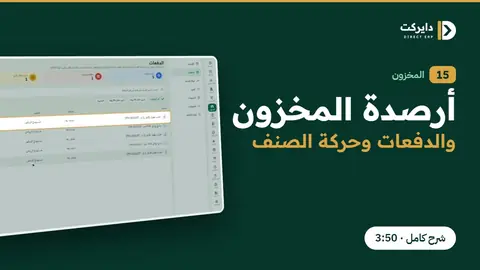
Each batch with its balance in each warehouse, moving with every sale, receipt, transfer and adjustment.
Nearest expiry first
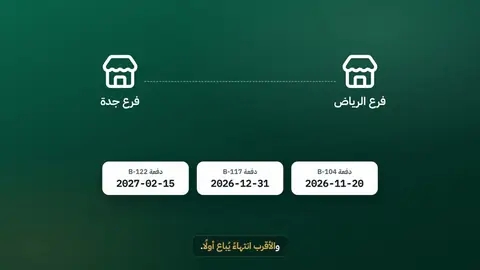
A sale naming no batch takes the nearest expiry; the till suggests the batch, or you scan a GS1 barcode carrying the batch and its date.
Expired stock
One setting: warn when an expired batch is sold, or block selling and transferring it; returns and write-offs stay possible.
Alerts
An alert to the owner for batches close to expiry, and a near-expiry report by warehouse and item.
On the receipt
The batch number can be printed on the receipt, one setting.
Counts and transfers
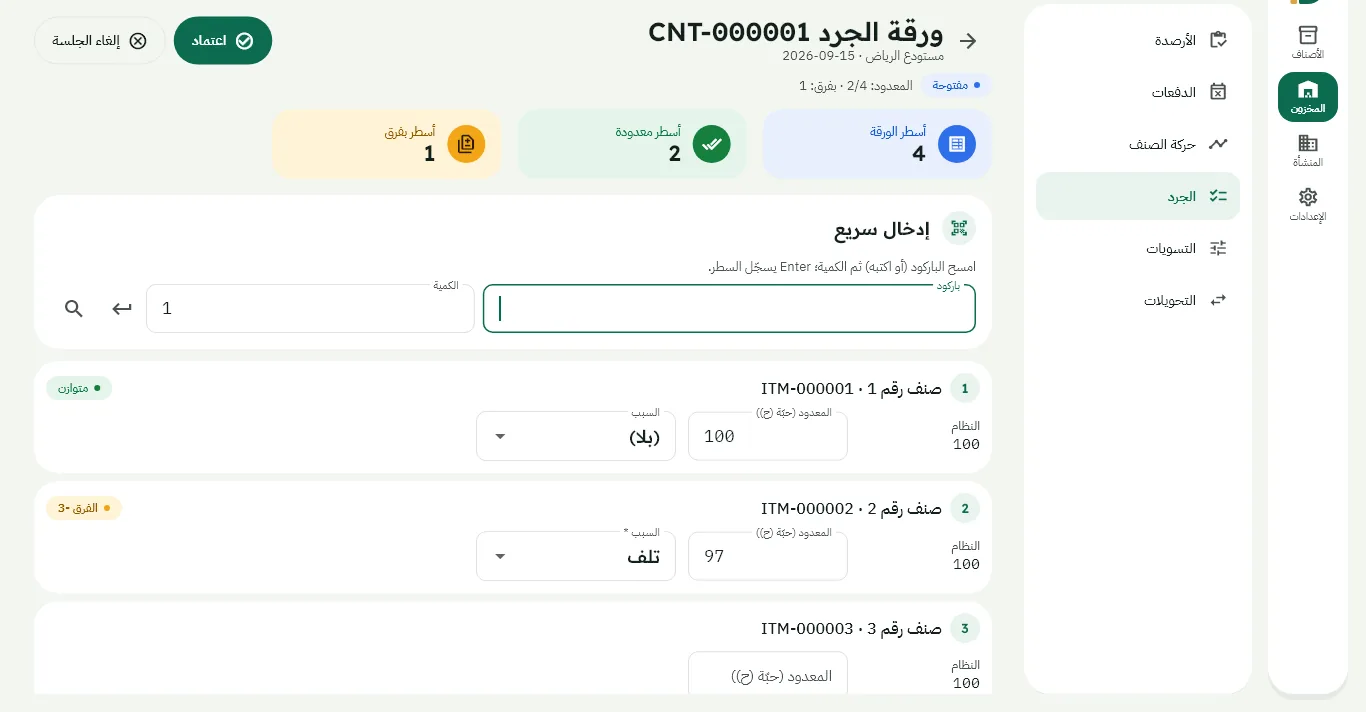
A barcode count sheet approved against the live balance, each difference with a reason from a list, and transfers between warehouses and branches that can name the batch, so goods do not expire in one branch while another needs them.
- Differences post to stock and the ledger
- Adjustments with a reason such as damage
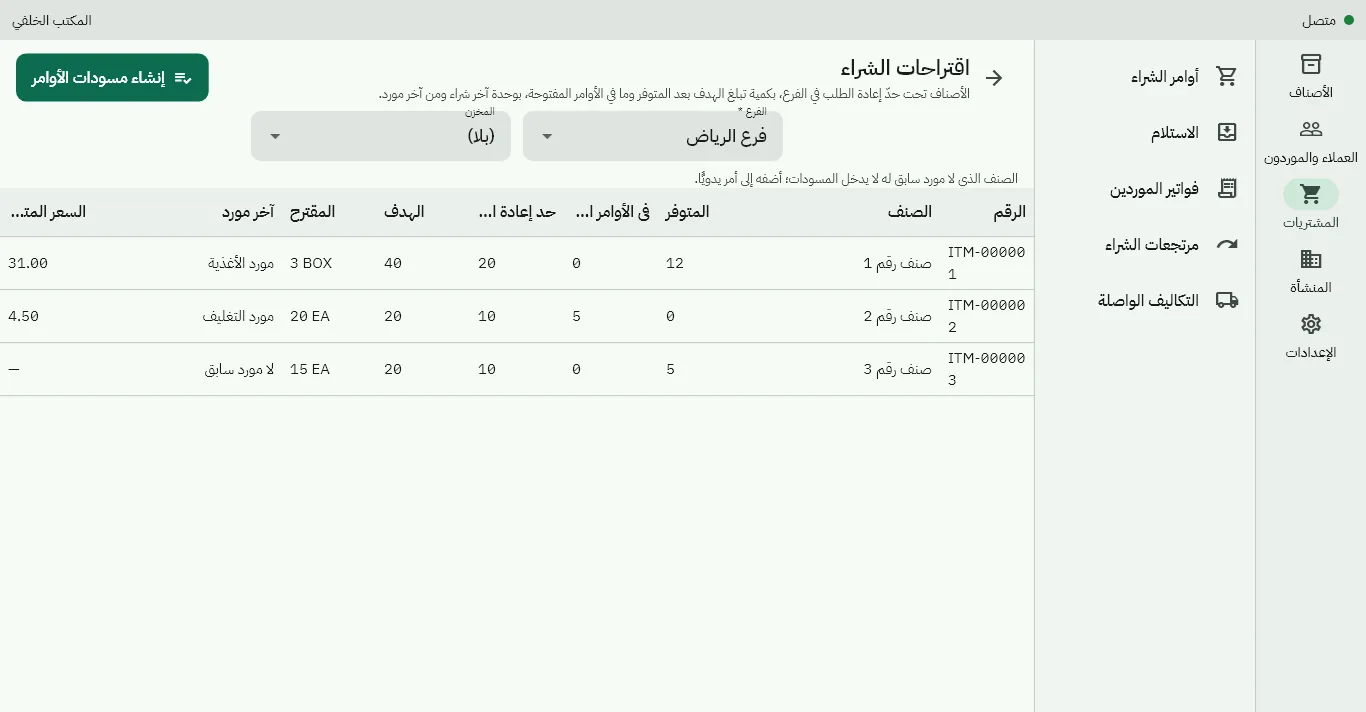
Buy what sells, not what expires
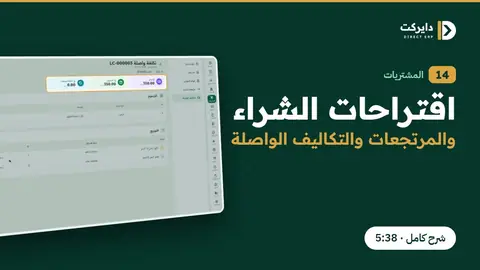
Purchase suggestions compute what you are short of the reorder level, less what is ordered and not yet received, in the last purchase's units and from the last supplier.
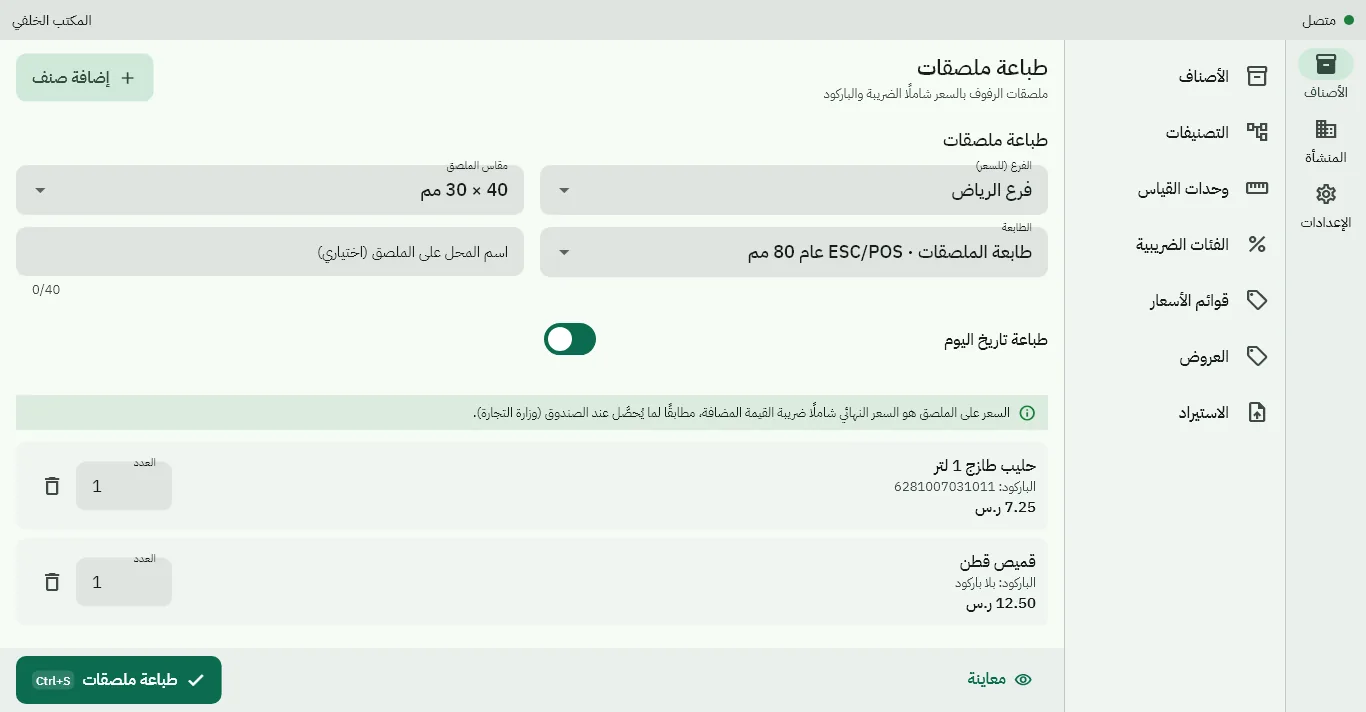
The shelf matches the till
Shelf labels at the VAT-inclusive price exactly as the till computes it, with the running promotion — useful when you mark down a batch close to expiry.
Batches on video

Frequently asked questions
How do I track expiry dates in a shop?
By batch: each tracked item is received with its batch number and expiry date, its balance is known per warehouse, the nearest expiry is sold first and you are warned about what is close to expiry.
Does it stop expired stock being sold?
As you choose: warn only, or block selling and transferring an expired batch, while returns and write-offs remain possible.
Does it read GS1 barcodes carrying the batch?
Yes, the till reads the batch number and expiry date from a GS1 barcode in the same scan, and otherwise suggests the nearest-expiry batch.
Must every item have batches?
No, only the items you choose to track by batch; the rest sell as usual.
Does it suit cosmetics and supplements?
Yes, anything with an expiry date is tracked by batch the same way, from receipt to sale and count.
Send us your items with their dates
We show you batches on your own items and help enter their opening balances.