Cafés & coffee shops
POS and accounting for cafés
Direct ERP is point-of-sale and accounting software for cafés and coffee shops in Saudi Arabia: a quick counter that starts every order as takeaway, where one tap on cash or card pays the order, prints the receipt and sends it to the kitchen or bar, with modifiers and sizes, happy hours, loyalty points and calories on the customer display. It keeps selling when the internet drops, and every sale reaches stock, recipes, the ledger and the VAT return.
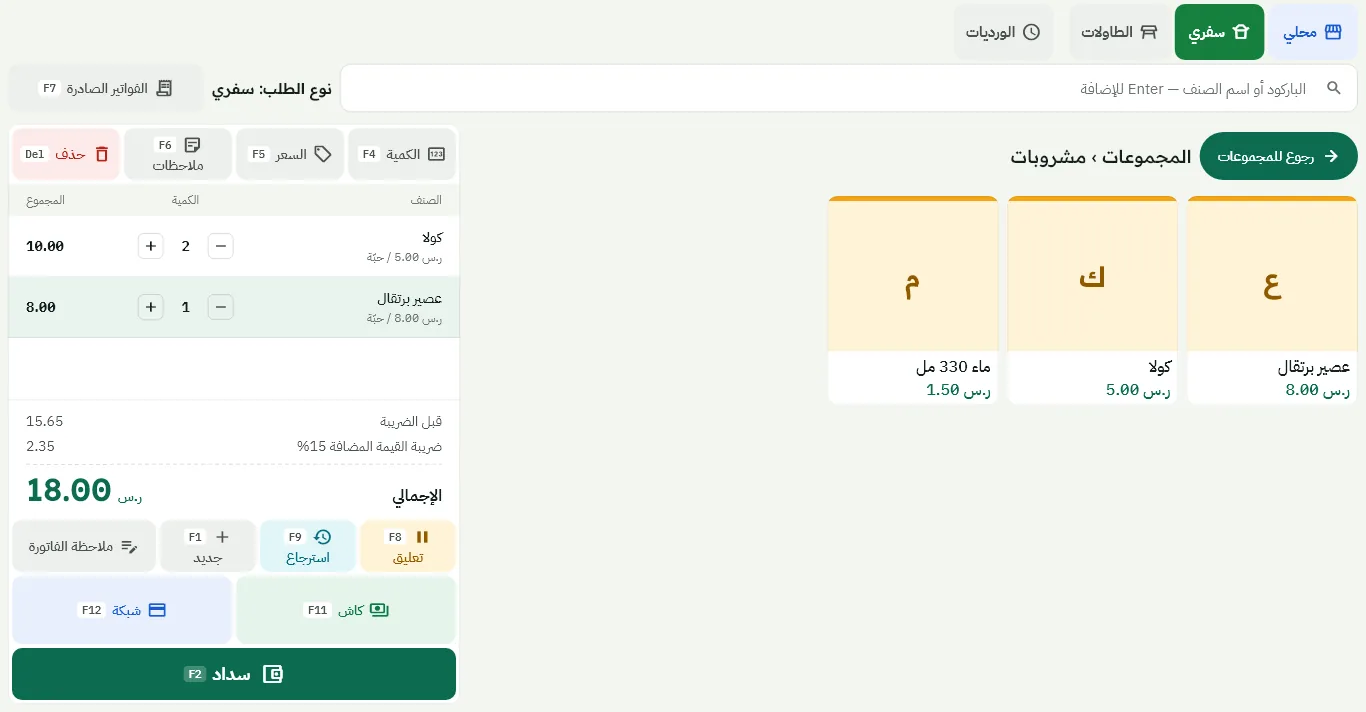
What the counter needs at the rush
Takeaway from the first tap
Orders start as takeaway and dine-in is one tap; groups are coloured tiles or pictures that open their items.
Cash or card in one tap
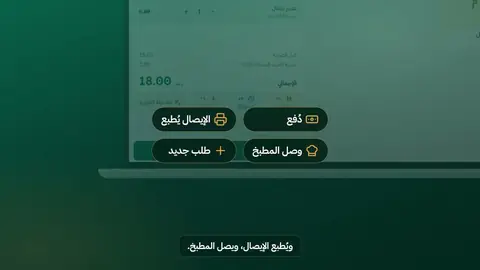
The order is paid, the receipt printed, the kitchen told and a new order started. «Pay» handles split, credit or a registered customer.
Hold and recall
F8 holds the order and F9 recalls it, so you serve the next customer while one decides.
Modifiers and sizes
Option groups with limits: size, milk and priced add-ons, a number of free choices, ready notes, and combos with their choices.
Happy hour
Promotions by time window, day and order type, applied by the till itself and named on the receipt.
Tips
Recorded with the invoice apart from revenue and VAT, shown on the X and Z reports, and paid out to the employee from the drawer.
Calories in front of the customer
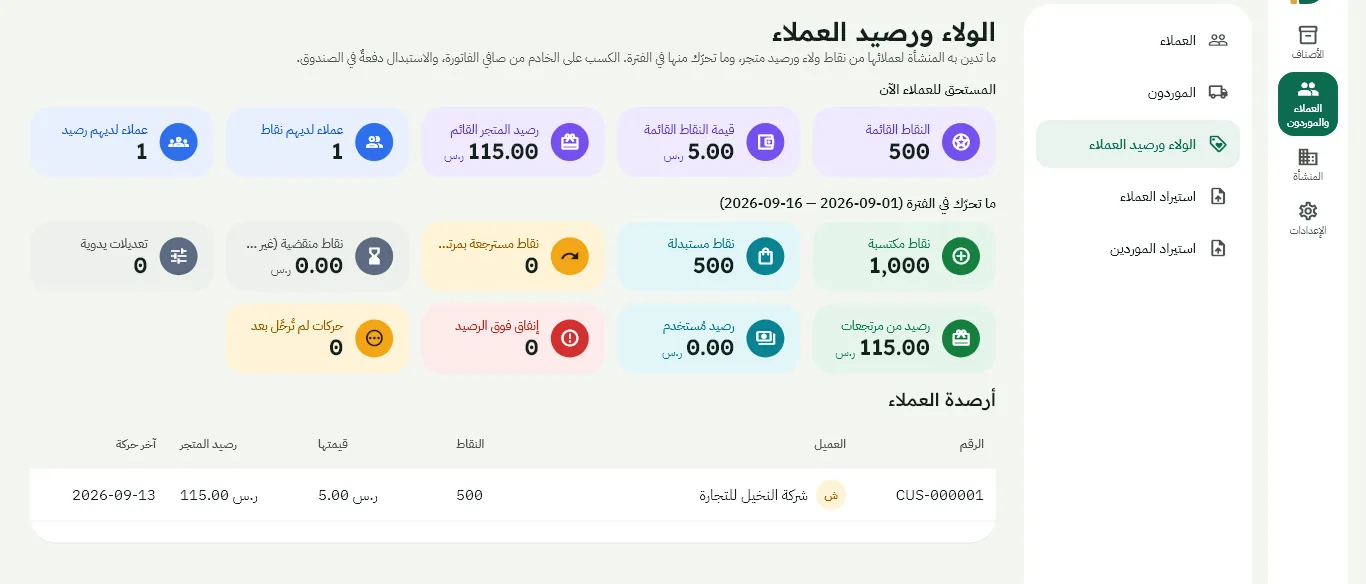
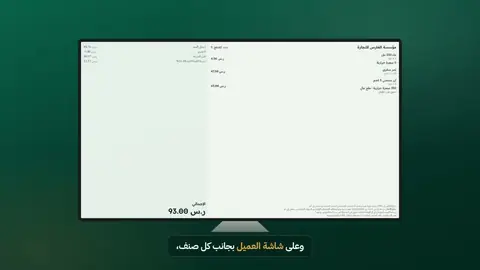
Enter calories, sodium, caffeine and allergens per item, and they show on the customer display and the till's tiles in the wording of the SFDA guide; the software computes nothing for you.
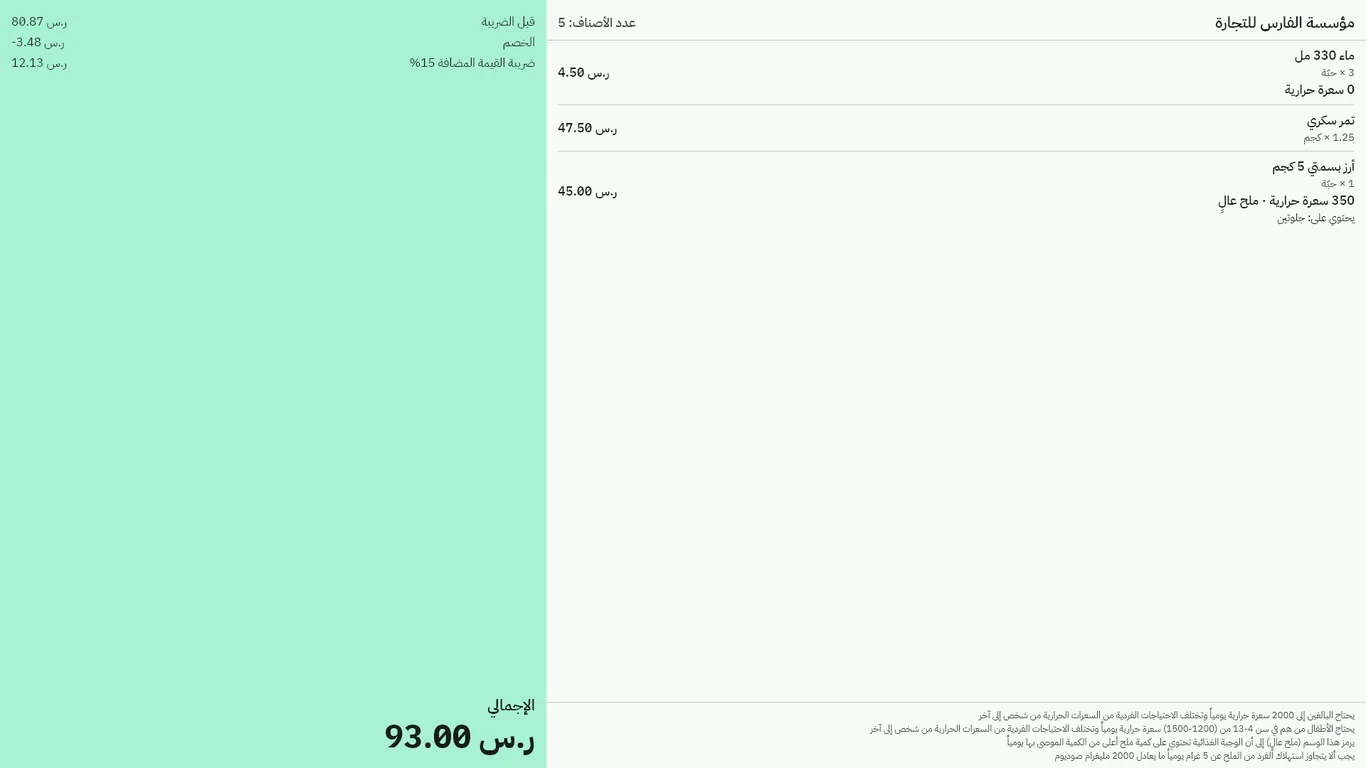
Kitchen and bar without lost tickets
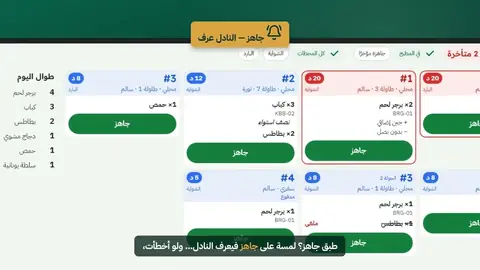
Each item reaches its station — bar or kitchen — on a display with a «ready» button or on the station printer, late tickets in red, and a backup printer when the main one fails.
- Oldest first, with each ticket's time
- A «void» ticket when an item is cancelled after sending
- Recipes take ingredients out of stock with the invoice
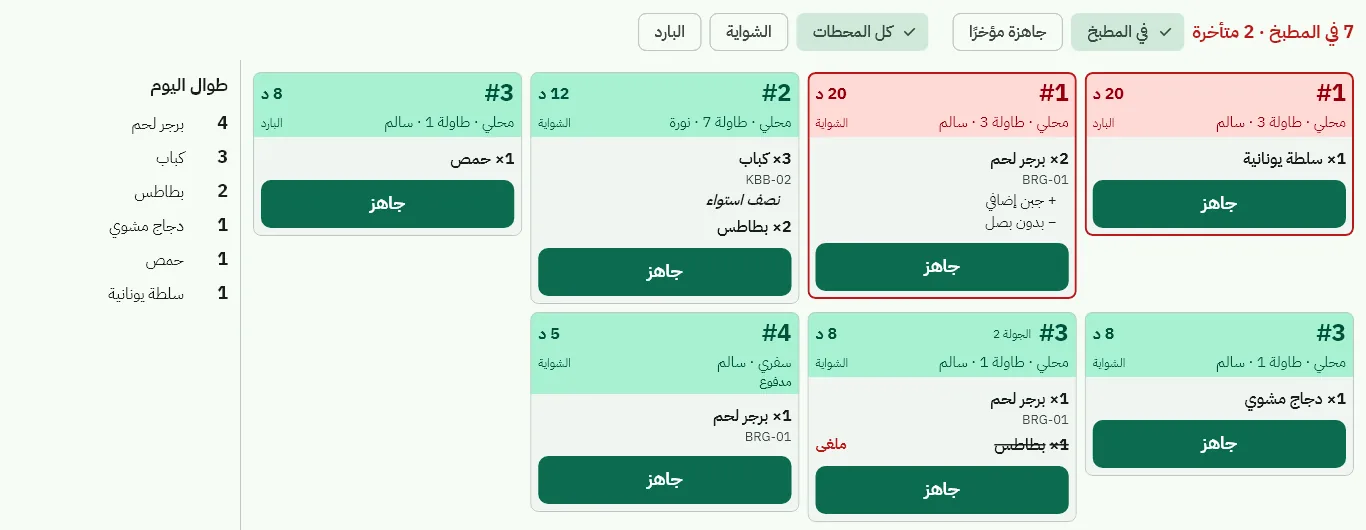
Customers who come back
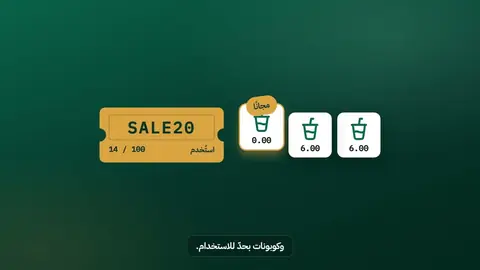
Loyalty points earned on the invoice net and redeemed as a tender at the till, store credit from returns, coupons with usage limits, and gift cards — each in the ledger in its own account.
When the internet drops
The café's till is the branch hub on the shop's network, so ordering, payment, receipts and kitchen tickets carry on; simplified invoices are signed on the device and uploaded when the connection returns. Direct link to the payment terminal Coming soon; today the cashier records the card payment with its approval code.
Ordering from the table and online
QR menu ordering at the table
An electronic menu (QR menu) guests order from at their table: they scan the table's code, see the items with prices and send the order, which reaches the incoming-orders inbox for the cashier to accept before it goes to the kitchen. Switched on per branch by a setting; payment is at the restaurant.
Online ordering page for pickup and delivery
An online ordering page for pickup and delivery for each branch: the customer picks items and sees an estimated total, with the delivery zone's fee and minimum, and the order reaches the same inbox, priced by the cashier on acceptance. Payment is on pickup or delivery; there is no online payment on the page.
Cafés on video
Frequently asked questions
What is the best POS for a café?
One that makes orders takeaway by default, pays, prints and sends to the bar in one tap, knows modifiers and sizes, and keeps working when the internet drops. Time five real orders on each product you compare.
Does it handle add-ons, sizes and milk types?
Yes, with option groups per item: required or optional with minimum and maximum, priced or free up to a number, and ready-made notes.
Do I need a kitchen display?
Not always. A station printer is enough for many cafés; a display helps when orders grow and you want them ordered by time with the late ones flagged.
Do customers see calories?
Yes, on the customer display and the till's tiles, from the values you enter per item, with allergens and caffeine.
Is there a loyalty programme?
Yes: points earned and redeemed as a tender at the till, store credit, coupons and gift cards.
Can guests order from their table by scanning a QR code?
Yes. An electronic menu (QR menu) guests order from at their table; the order reaches the incoming-orders inbox for the cashier to accept, then goes to the kitchen. Payment is at the restaurant.
Can customers order online for pickup or delivery?
Yes, from the branch's online ordering page for pickup and delivery, with an estimated total and the delivery zone's fee and minimum; the cashier accepts and prices the order, and payment is on pickup or delivery, not on the page.
Try your café's orders
We run your menu on the quick counter with you, online and offline.